Image generation
Image generation turns what you already have - a hand sketch, a viewport capture, a massing model, a flat elevation - into presentation imagery. It works on a node canvas inside a project: each source, reference and result is a node, and every variant you try stays on the canvas.
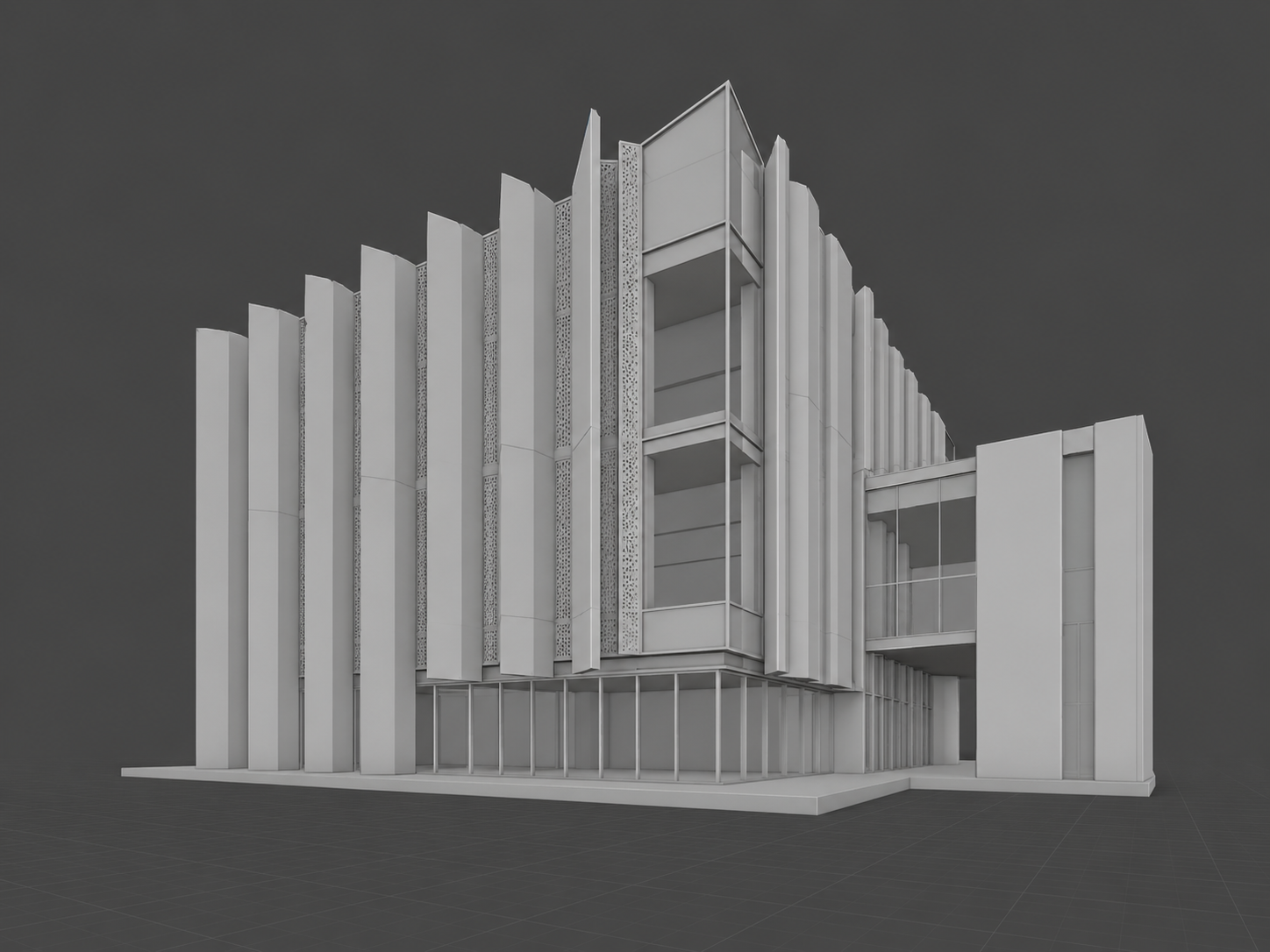
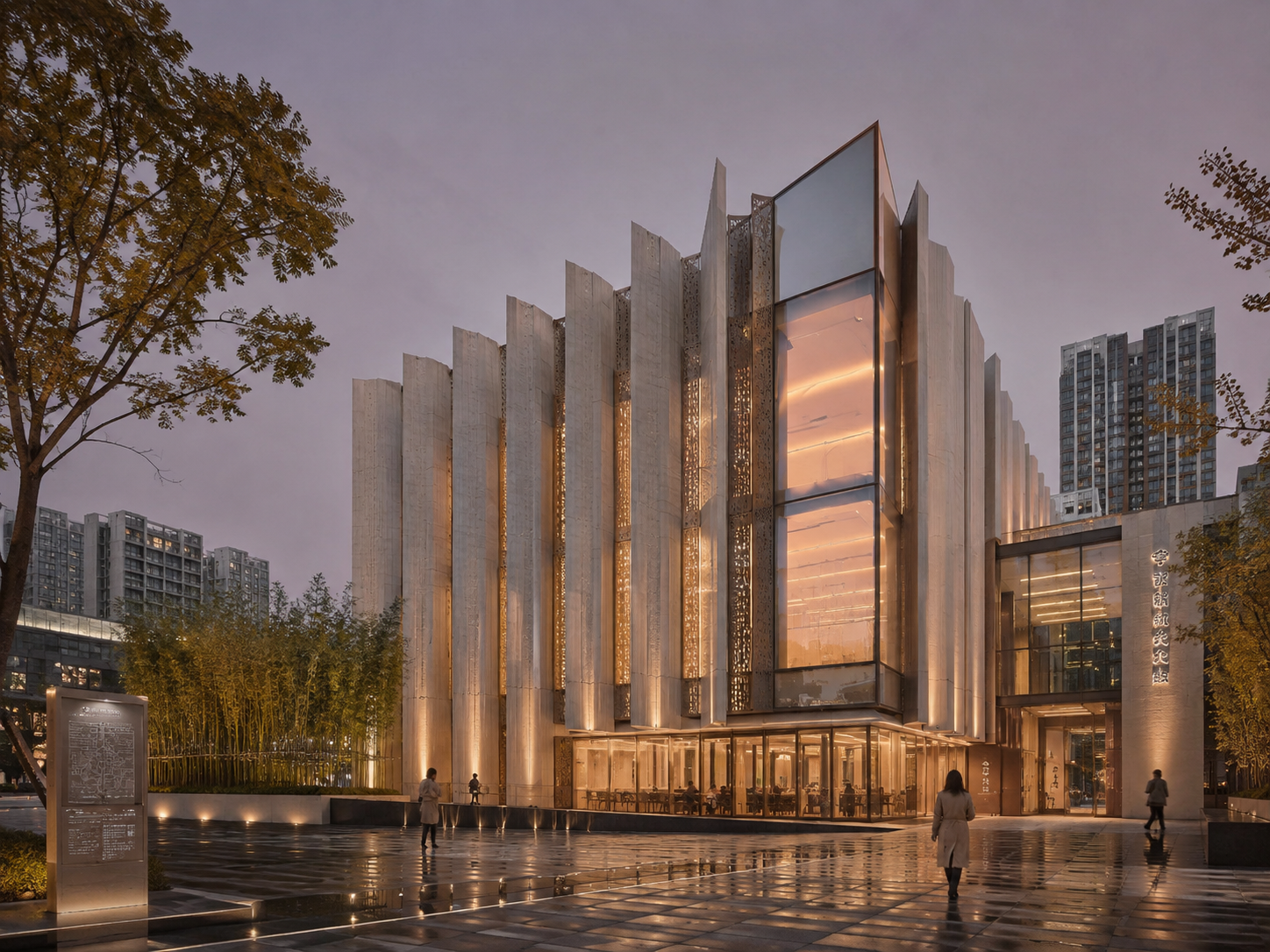
The principle behind every tool: the geometry you drew is the geometry that comes back. A render is conditioned on your source image, so openings, proportion and structure survive the pass. What you direct is everything around them - materials, light, season, atmosphere, people, objects.
What you can do
| Tool | What it does |
|---|---|
| Render | Turn a source image into a photoreal view, keeping its geometry. |
| Region edit | Point at up to six areas of an image and give each its own instruction - retexture, relight, replace, remove, add - in one pass. |
| References | Borrow a look: up to 13 reference images per pass, each tagged as style, material, lighting, context or content. |
| Objects | Place an object - a sculpture, a bench, a tree - into a scene without repainting the rest. |
| Reframe | Crop or extend the frame of an image. |
| Relight | Change the light of a settled image. |
| Enhance | Take a finished frame to print resolution, up to 4K, with detail added where it belongs. |
Before you start
Image generation runs on our machines, so it needs an account and spends credits. Every new account starts with 150 free credits - see Credits and plans.
Next: Sources and rendering, then Editing an image.