Editing an image
Once a render is close, edits change one thing at a time and leave the rest of the image alone.
Region edits
Mark an area with a box, a polygon or a brush, then say what should happen there. You can mark up to six regions in one pass, each with its own instruction and operation:
| Operation | Example |
|---|---|
| Retexture | The signage wall in a warmer travertine; leave the lettering where it is. |
| Relight | Warm downlights along the canopy. |
| Replace | Swap the lounge chairs for low modular seating in the same footprint. |
| Remove | Take out the parked car. |
| Add | A row of olive trees along the kerb. |
The set compiles into one pass, so the regions stay consistent with each other.
References
A reference is an image the pass should borrow from. Attach up to 13 per pass, and tag each one so the engine knows what to take from it:
- Style
- The overall look - the way a photographer or a visualiser would treat the scene.
- Material
- Surfaces and finishes - a mood board, a sample, a photo of a façade.
- Lighting
- The light to match - time of day, colour, contrast.
- Context
- What surrounds the building - landscape, street, neighbours.
- Content
- Something that should appear in the image.
Inserting an object
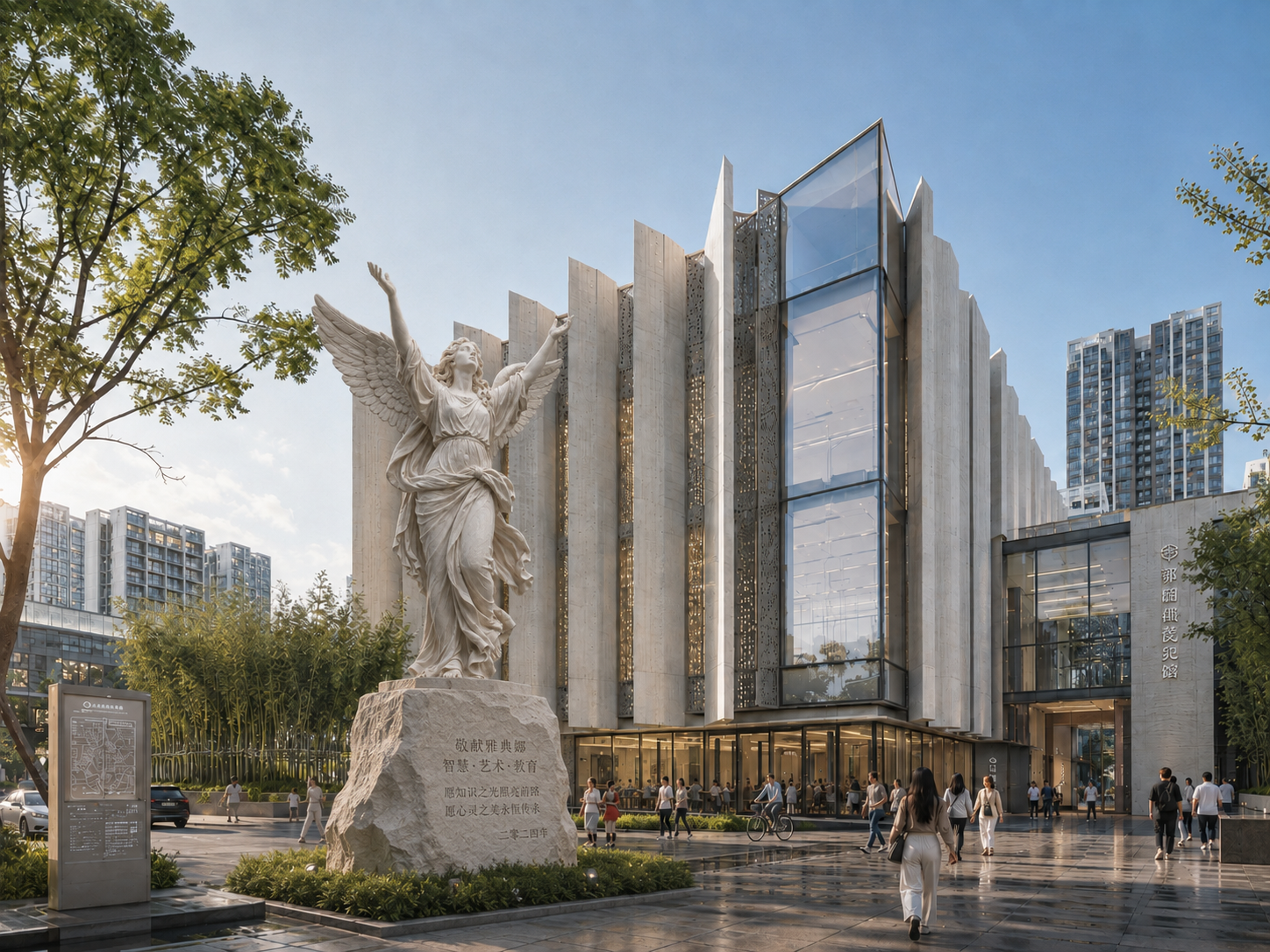
Add the object as its own image - a sculpture photographed on a plain ground works best - and describe where it goes: on a plinth to the left of the entrance. The pass places it at scale, matches the light and casts its shadow, without repainting the rest of the scene. If it lands in the wrong place, change the instruction rather than the image.
Reframe, relight and enhance
- Reframe
- Crop to a tighter view, or extend the frame - the added area is filled to match the image.
- Relight
- Change the light of a settled image: a dusk version of a daytime render, say.
- Enhance
- Take a settled frame to print resolution, up to 4K. Presets trade fidelity against added detail; linework can be protected so drawings stay crisp.
Costs
Every operation shows its cost in credits before you run it. See Credits and plans.